Mac Screenshot Not Working? Fixes to Try
Troubleshoot Mac screenshot shortcuts when they stop working, screenshots are missing, or captures are going somewhere unexpected.
If Mac screenshots are not working, the issue is usually one of three things: the shortcut is not triggering, the screenshot saved somewhere unexpected, or the screenshot copied to the clipboard instead of appearing as a file.
Start with the simple checks.
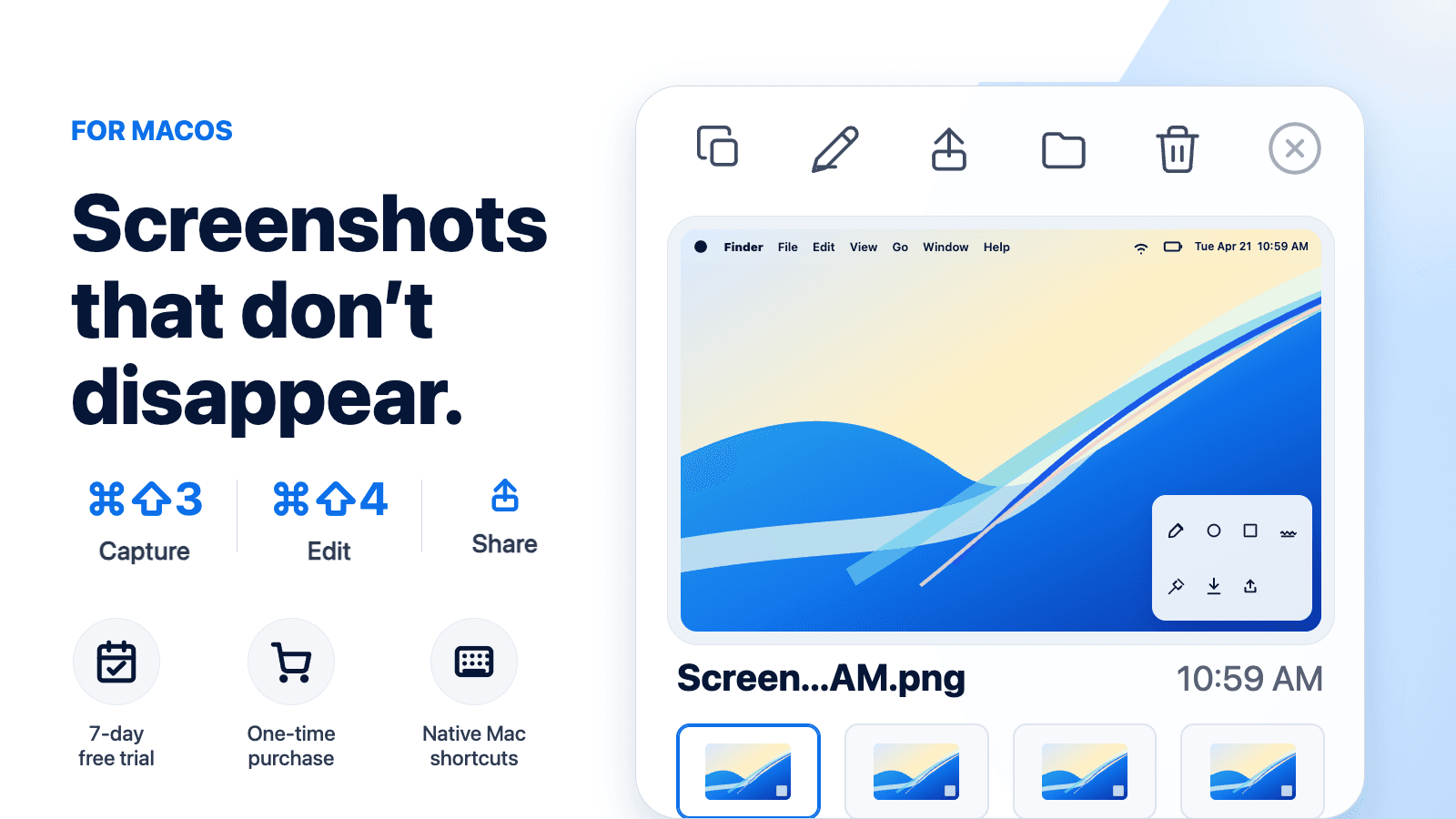
This guide is for troubleshooting the built-in Mac screenshot flow before assuming the capture is lost. Once screenshots are working again, CommandShot can help with the next failure point many people notice: the screenshot exists, but it disappears from view before you can copy, edit, rename, share, or delete it.
Check the shortcut
Use the standard shortcuts:
Command + Shift + 3for the whole screenCommand + Shift + 4for a selected areaCommand + Shift + 5for the Screenshot toolbar
If one shortcut fails, try another. If Command + Shift + 5 works, your Screenshot toolbar is still available.
Check the save location
Press Command + Shift + 5, click Options, and look under Save To.
Your screenshots may be going to:
- Desktop
- Documents
- Clipboard
- Preview
- Messages
- another folder
For more detail, read where screenshots go on Mac.
Try pasting
If you used a shortcut with Control, the screenshot may be on your clipboard.
Open a document, message, or note and press Command + V.
If the screenshot appears, it copied successfully.
Check keyboard settings
If screenshot shortcuts do not respond, check keyboard shortcuts in System Settings. They may have been changed or disabled.
Look for the screenshot shortcut section and confirm the standard shortcuts are enabled.
Restart the app or Mac
If screenshots stopped working after an app froze or a system update, restart the affected app or restart the Mac.
This is basic, but it fixes many temporary capture issues.
Check permissions for screenshot tools
If you use a third-party screenshot app, it may need screen recording or accessibility permission in System Settings.
The built-in screenshot tool should still work, but add-on tools may need permission to watch for captures or show overlays.
When screenshots work but feel missing
Sometimes screenshots are working, but the floating thumbnail disappears before you act on it. The file may still be saved.
Read why Mac screenshots disappear if that is the issue.
Final takeaway
When Mac screenshots are not working, check the shortcut, save location, clipboard, and system settings. Most issues are not lost screenshots; they are screenshots going somewhere unexpected.