Mac Screenshot File Format: PNG, JPG, and What to Use
Understand Mac screenshot file formats, why screenshots usually save as PNG, and when file size, image quality, and sharing matter.
Mac screenshots usually save as PNG files. That is a good default because PNG keeps text and interface details sharp.
But if you take a lot of screenshots, file format and file size can start to matter.
This guide is for Mac users deciding whether the default screenshot format is the real problem. In most screenshot workflows, PNG is fine; the bigger gain comes from taking smaller captures, deleting throwaway files, and using CommandShot to keep recent screenshots ready for copy, edit, rename, share, or cleanup.
Why Mac screenshots use PNG
PNG is good for screenshots because it preserves sharp edges, text, icons, and UI details.
That matters for:
- app screens
- documentation
- bug reports
- support replies
- design feedback
PNG files can be larger than JPG files, but they usually look better for interface screenshots.
PNG vs JPG for screenshots
| Format | Best for | Tradeoff |
|---|---|---|
| PNG | UI, text, icons, screenshots | Larger files |
| JPG | Photos and compressed sharing | Can blur text |
| Documents or printable pages | Less convenient for chat |
For most Mac screenshots, PNG is the right choice.
When file size matters
File size matters when you:
- attach screenshots to email
- upload many screenshots
- store screenshot archives
- send images in support tickets
- share screenshots over slow connections
If a PNG is too large, you can resize or export it as a JPG in Preview.
Should you convert screenshots to JPG?
Only convert when you need a smaller file.
For interface screenshots, JPG can make text look fuzzy. That is a problem if someone needs to read an error message, inspect UI spacing, or understand a setting.
How to reduce screenshot file clutter
Instead of changing every file format, reduce unnecessary saved files:
- use clipboard screenshots for temporary sharing
- delete screenshots after sending
- rename important screenshots
- keep a dedicated screenshot folder
- avoid full-screen captures when a smaller area works
These habits usually help more than changing file type.
Where CommandShot helps
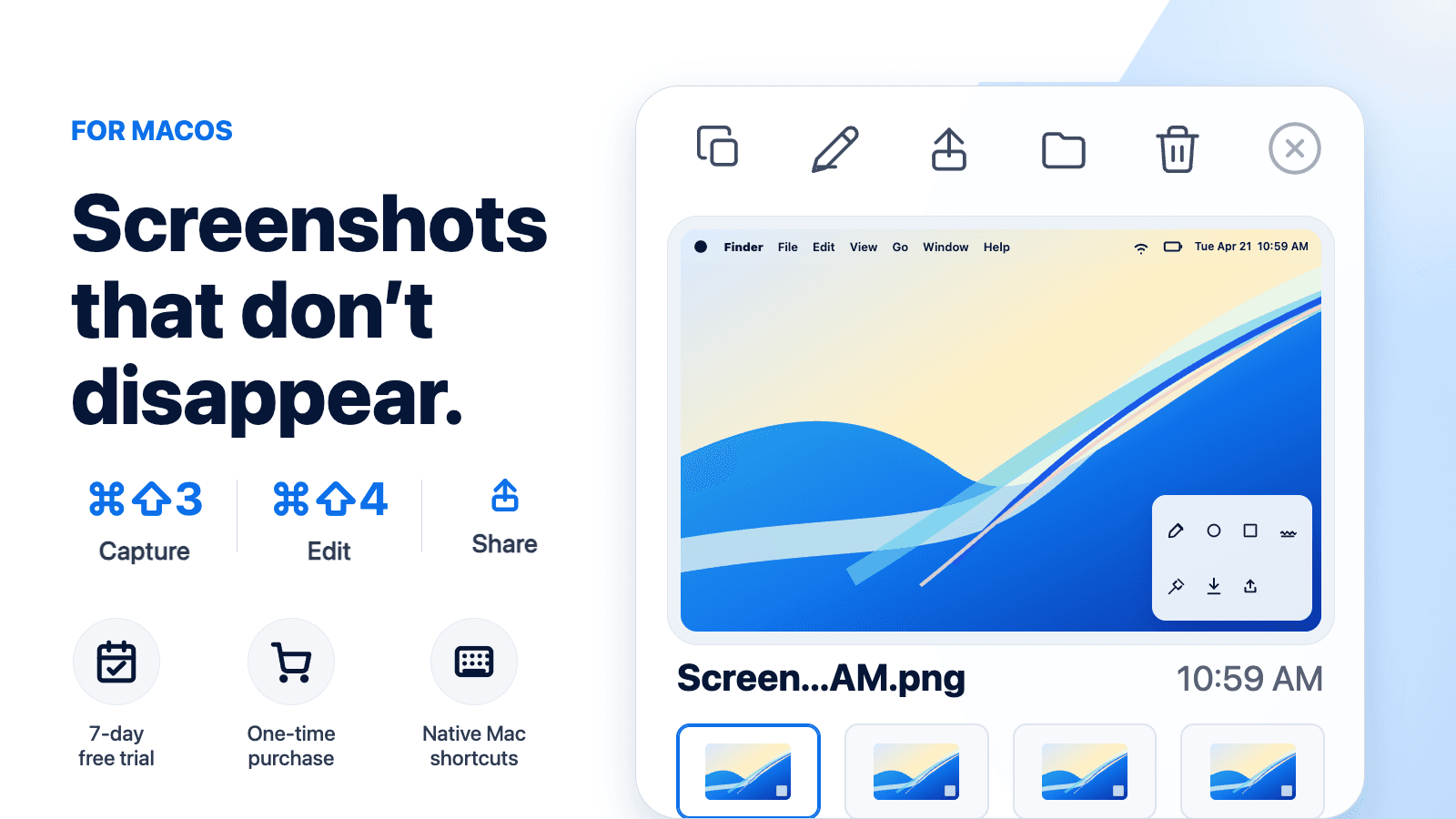
CommandShot focuses on what happens after capture. Recent screenshots stay visible, so you can copy, share, rename, delete, or edit them before they turn into a pile of files.
Final takeaway
Mac screenshots usually save as PNG because PNG is strong for text and UI detail. Keep PNG for most screenshots, and use cleanup habits to manage clutter instead of converting everything to JPG.